Sora is OpenAI's video generation model, and its API shape differs from text models: it usually runs as an asynchronous task that you submit, poll, and then download. Many teams want to add it to advertising, short-video, and e-commerce asset workflows, but underestimate the cost and moderation requirements.
This guide covers the integration approach, a practical test method, and the risks to resolve before production.
Note: Sora and OpenAI are trademarks of their owners. Video interfaces change quickly; this article reflects common patterns as of October 2026. Refer to official documentation and in-site support for current details.
1. What Sora API Is Good For
- Advertising and short-video draft assets.
- E-commerce product videos.
- Storyboards and concept previews.
- Social media content.
- Game and animation previsualization.
It is not a good fit for scenarios that require strict copyright clearance, a real person's likeness, news authenticity, or high-precision brand assets. Generated video is best treated as a draft or a creative starting point until a human has reviewed it.
2. Integration Shape
Video generation is usually asynchronous:
Submit task → Task ID → Poll status → Success → Download or fetch result
Differences from Chat Completions:
- A single request does not return the final result.
- You must handle queueing, failures, and timeouts.
- The result may be a video file or URL with a retention period.
- Billing may be per second, per resolution, or per task.
Design the client around a job record. Save the task ID and parameters immediately, poll with backoff, and copy the finished file to your own storage. If the request times out before you receive an ID, do not blindly resubmit; check whether the task was accepted first.
3. Getting Access
Official OpenAI
Enable video capability in the OpenAI platform and call it according to the official documentation. Confirm account permissions, region, payment method, and content policy before building the workflow.
ZSQH AI Gateway
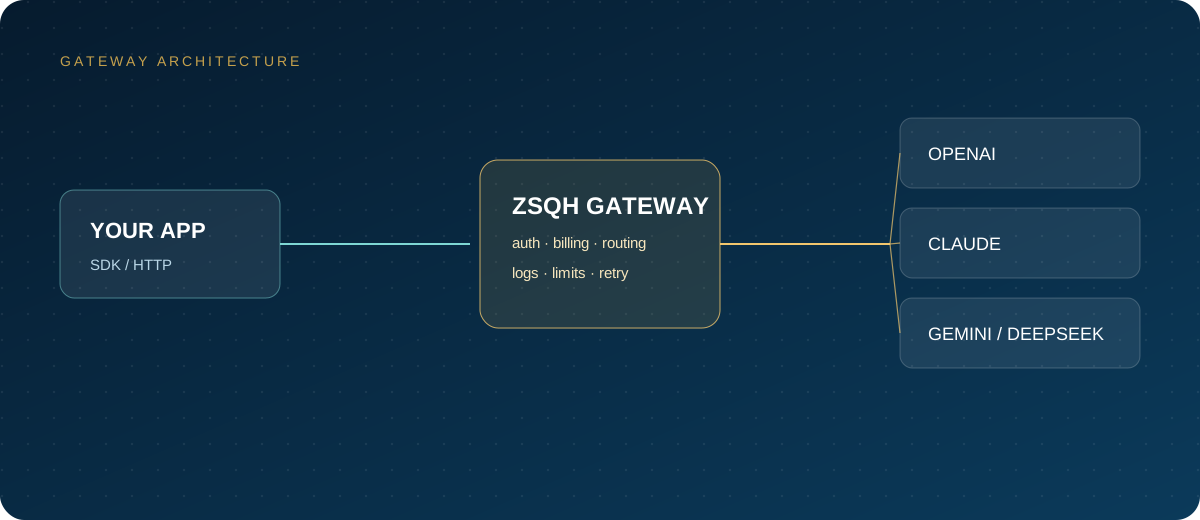
First confirm whether the current gateway has enabled a Sora or video channel and which parameters and callback methods it supports. Do not assume that every video capability behaves like a text model.
- Register for the ZSQH AI Gateway.
- Check the model pricing page for video models.
- Create a key and run a small test.
- Submit tasks according to the in-site documentation.
4. Test Checklist
- A task with the shortest duration and lowest resolution.
- Task submission returns an ID.
- Polling frequency and timeouts behave as expected.
- Failure reasons are readable.
- Result download and URL validity.
- Billing matches expectations.
- Content moderation triggers are understood.
Add one negative test to the checklist, such as a prompt that should be rejected, so the team knows how moderation responses appear in logs. Also measure the time from submission to a downloadable file; that number determines whether the feature fits an interactive product or only a batch pipeline.
5. How to Estimate Cost
Cost per clip =
  duration × unit price
+ retries and failed tasks
+ storage and bandwidth
Video costs are usually much higher than text costs. Start with a small batch, confirm the success rate and the cost per usable clip, and only then scale. A cheap-looking per-second price can become expensive when many generations are rejected or need to be rerun with a different prompt.
6. Risks and Compliance
- Copyright, likeness, and trademark: generated content may infringe.
- Content policy: violence, sexual content, and disinformation may be rejected.
- Authenticity: do not use generated video directly for news, finance, or medical claims.
- Data: uploaded images and videos may contain sensitive information.
- Provider stability: video channels may rate-limit or queue during peak periods.
Assign an owner for review before publishing. Keep the prompt, source assets, and model version with each approved clip so that a later complaint can be investigated.
FAQ
Is the Sora API the same as the web version?
No. The web version is a product, while the API is an interface for programs. Permissions, billing, and parameters differ.
Can I call it directly from mainland China?
It depends on network access, account eligibility, and compliance conditions. Confirm the terms of service and local regulations before use.
How long does one video take?
It depends on queueing, duration, resolution, and upstream load. Production systems need timeouts and retries.
Can I use the output commercially?
It depends on OpenAI's terms and the rights you hold in your input content. Review copyright, likeness, and trademark issues before commercial use.
Next Steps
First confirm that your account or gateway supports video models, then run one test at the lowest configuration. If you need a unified entry point, review the model list and model pricing for the ZSQH AI Gateway.
Related reading: