SiliconFlow is a popular model API platform in China, supporting a wide range of open-source and commercial models. Many teams start evaluating alternatives when usage grows, when they need unified management across multiple models, or when they run into access or billing problems.
This article approaches the decision from a technical selection standpoint: how to compare alternatives, how to migrate, and how to test. Prices and policies are subject to each platform's official website.
Note: SiliconFlow is a trademark of its owner. This article is for technical comparison only. It does not represent the company and does not disparage any provider.
1. Start with your core requirements
Replacing a provider is not the goal; solving a problem is. List the three things that hurt most today:
- Not enough models?
- Unstable access?
- Billing, invoicing, or quota management is inconvenient?
- Need to call overseas models such as Claude, GPT, and Gemini at the same time?
- Need finer-grained member or project permissions?
If the only issue is price, calculate total cost first. If the issue is stability or compliance, prioritize architecture and support.
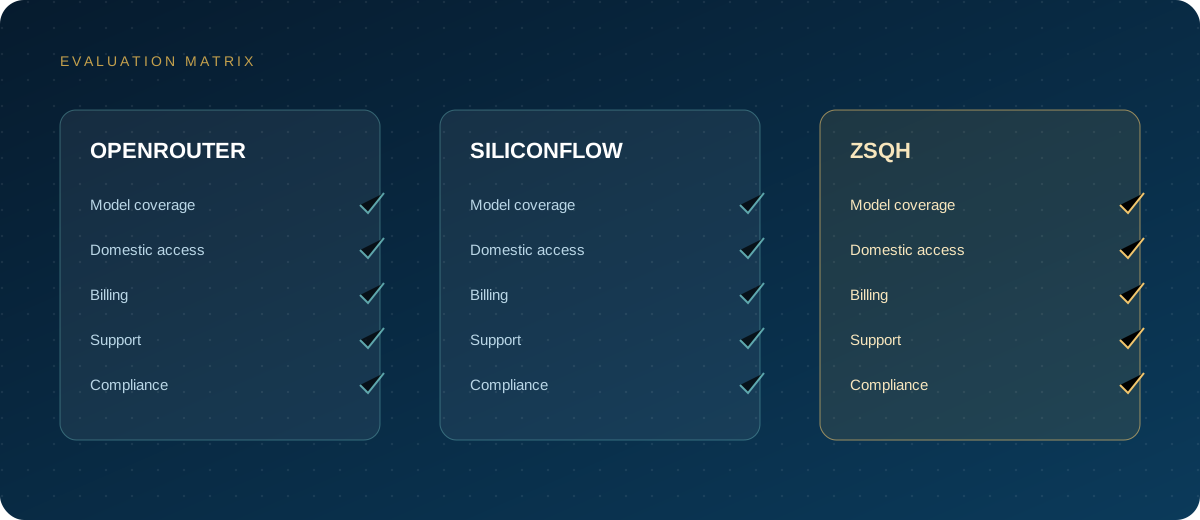
2. Comparison criteria
| Criterion | Question to answer |
|---|---|
| Model coverage | Are the models you use available? Are the versions the same? |
| Protocol compatibility | Does it support OpenAI Chat Completions, streaming, and tool calls? |
| Stability | Error rate, P95 latency, rate limiting, and retry policy? |
| Billing | How are input, output, and cache tokens priced? Is there a minimum spend? |
| Quota management | Can you set separate limits for members, projects, and keys? |
| Logs | Can you inspect the model, tokens, and latency of every call? |
| Support | Documentation, ticket response, invoicing? |
| Compliance | Is data stored, for how long, and can you sign an agreement? |
Turn these questions into a table and ask each provider for answers instead of judging by the homepage alone.
3. How to test OpenAI compatibility
Many platforms claim to be "OpenAI-compatible," but the differences show up in the details:
- Streaming: Is
stream: truestable, and how fast is the first token? - Tool calls: Are
tools/tool_choicesupported? - Structured output: Are JSON mode and schema supported?
- Multimodal input: Are images, audio, and video inputs supported?
- Error codes: Do 401/404/429/5xx behave as expected?
- Parameter compatibility: Are
temperature,max_tokens,top_p, and other parameters silently ignored?
Run your existing SDK against it. Do not rely on the documentation alone.
4. Migration steps
1. Keep the old channel
First, move the Base URL, key, and model name into configuration instead of hardcoding them. During migration you only change configuration, and you can switch back quickly if something breaks.
2. Create a key on the new platform
Register at ZSQH AI Gateway, create a test key, and set a spending limit.
3. Change the Base URL
https://ai.zhongshangqihang.com/v1
4. Map the model names
Map your old model names to the model names currently supported by the new platform. Model names are subject to the model pricing page.
5. Shift traffic gradually
Route 5%–10% of traffic first, watch for 3–7 days, then increase gradually. Do not cut over all at once.
5. Test checklist
- Run 20 fixed requests and compare output quality and latency.
- Test streaming requests for time to first token and interruption rate.
- Run 10 concurrent requests for 5 minutes and record success rate and P95.
- Summarize a long-context document and watch for truncation and cost.
- Call a real business function through tool use.
- Reconcile the bill for 20 requests.
6. Cost is more than the unit price
Actual cost includes:
- Input tokens.
- Output tokens.
- Extra tokens caused by long context.
- Retries and failed requests.
- Multimodal input.
- Operations and troubleshooting time.
Some platforms have a low unit price but heavy rate limiting and frequent retries, which makes the total cost higher.
7. Who should consider an alternative
- Teams that need both overseas and domestic models.
- Companies that need unified billing, member, and key management.
- Teams that need stable access within China and Chinese-language support.
- Products that want to consolidate multiple providers behind one gateway.
If you only use one or two models, your usage is stable, and your current platform works, there is no need to switch just for the sake of switching.
8. FAQ
Do I need to retrain models after switching?
No. The API calls upstream models; migration is mainly about adapting endpoints and parameters.
What if the model names differ?
Build a model mapping table that maps the logical model names in your application to the physical model names on each platform.
Can I use two providers at the same time?
Yes. For production, we recommend primary and backup channels and switching based on error rate or latency.
Next steps
If you are evaluating alternatives, start with a small key on the ZSQH AI Gateway, run the test checklist above, and then decide whether to migrate. Prices and models are subject to model pricing.
Related reading: